How do I track my blood pressure (BP) at home?
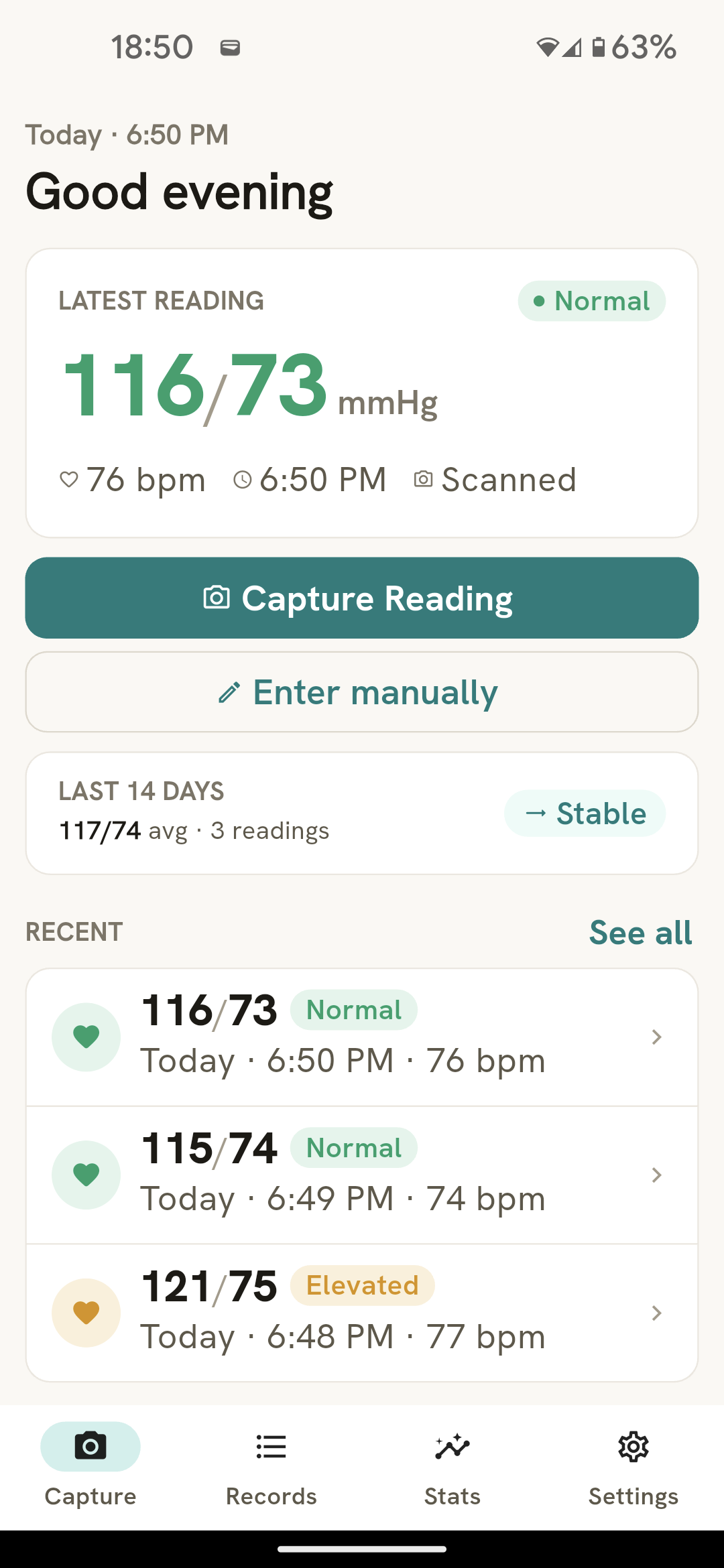
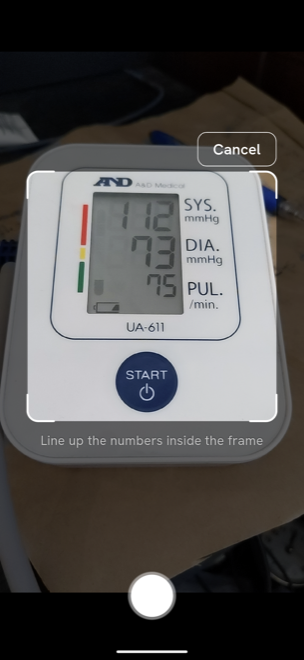
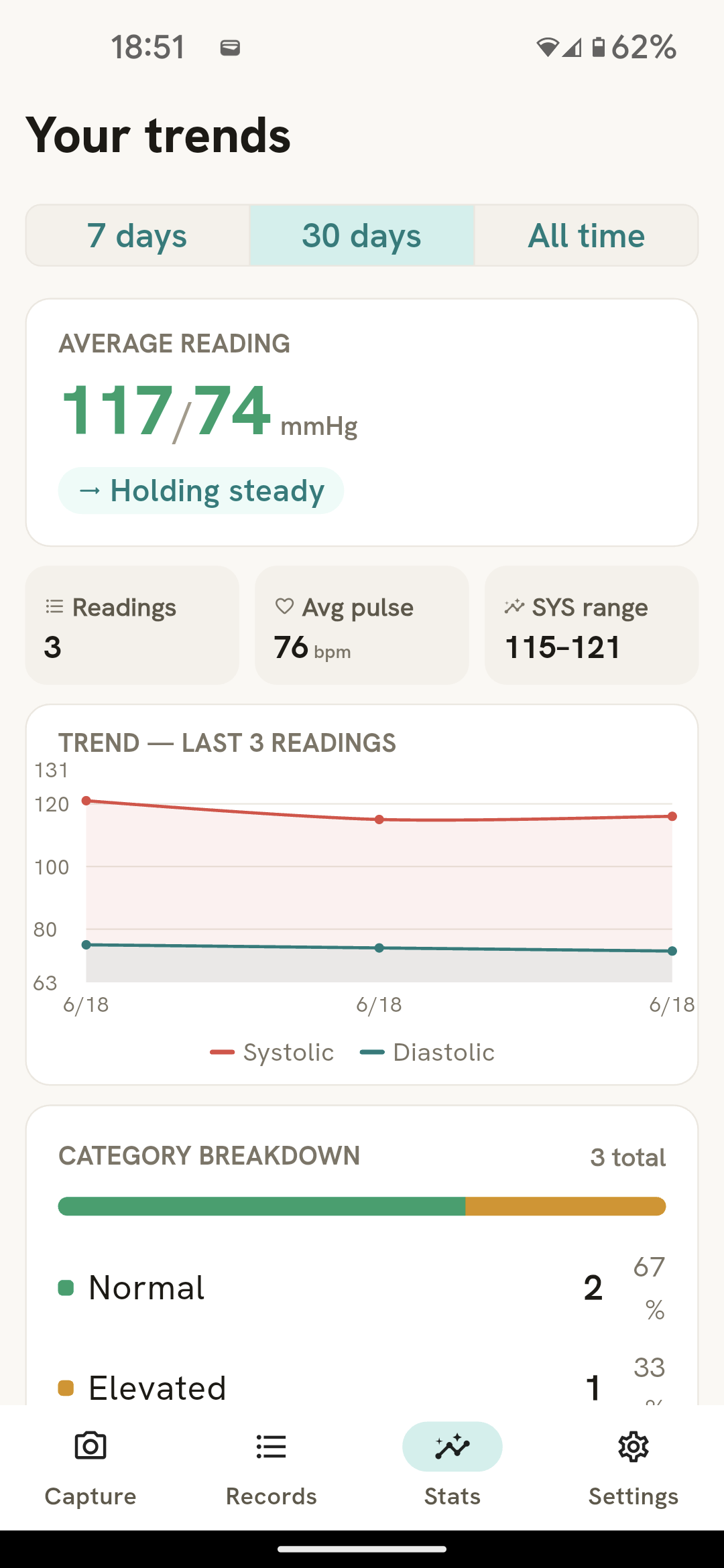
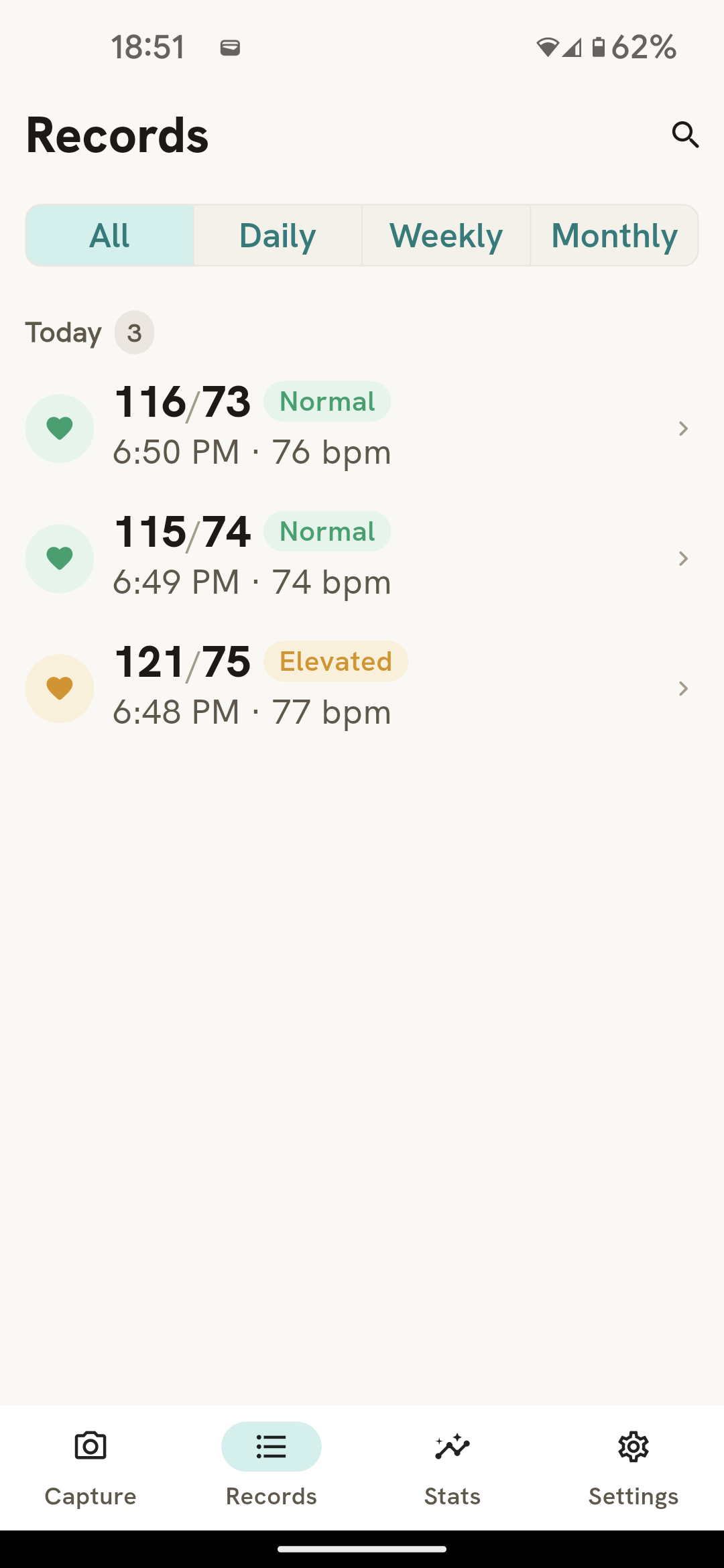
Measure at the same times each day while seated and relaxed, with your arm supported at heart level. Log every reading, then review averages and trends over time. SnapSana makes logging quick: point your camera at your monitor's display and the numbers are read for you, so you can confirm and save in seconds.
What is a normal blood pressure reading?
SnapSana uses the 2017 American Heart Association categories. Normal is below 120/80 mmHg. Elevated is 120–129 systolic with diastolic below 80. Stage 1 hypertension is 130–139 or 80–89. Stage 2 is 140/90 or higher. A reading above 180 systolic or 120 diastolic is a hypertensive crisis and needs medical attention. Only a doctor can diagnose high blood pressure.
Does SnapSana work with my blood pressure monitor?
Yes. SnapSana works with any digital home blood pressure monitor that shows your reading on a numeric display — Omron, Withings, and most drugstore brands included. There's no Bluetooth, app pairing or special hardware required. The one exception is old-style manual monitors with an analog dial and stethoscope, since there's no digital display for the camera to read. If a reading is misread, you can edit the systolic, diastolic or pulse values before saving, and you can always enter a reading manually.
Do I need to buy a new blood pressure monitor to use SnapSana?
No. SnapSana works with the digital monitor you already own. You don't need a Bluetooth-enabled or "smart" monitor — just point your camera at the display of the one you have.
Can my smartwatch or fitness tracker measure my blood pressure?
Not reliably. Most smartwatches, including the Samsung Galaxy Watch, estimate blood pressure optically using pulse transit time rather than taking a real cuff measurement, and need to be recalibrated against an actual cuff every few weeks to stay accurate. Apple Watch doesn't report blood pressure numbers at all — it only sends a notification suggesting you get checked. The one wrist device with FDA clearance for blood pressure, the Omron HeartGuide, works because it has a real miniature cuff built in, not an optical sensor. SnapSana reads an actual cuff reading through your camera, so you get a real measurement, not an estimate, just as fast as checking your watch.
Is my health data private?
Yes. Your readings are stored on your device. SnapSana has no account system and no cloud database.
Does SnapSana need an internet connection?
No. Camera scanning and logging work fully offline. An internet or network connection is only used by the underlying Apple Health or Health Connect sync, if you turn it on.
Does SnapSana have ads?
No. SnapSana has no ads, anywhere in the app.
What happens to my readings if I lose my phone?
Your readings are stored only on your device today — there's no cloud backup. To protect your history, export a PDF summary from Settings every so often, and consider enabling Apple Health or Health Connect sync as an extra copy of your data.
Can I share my readings with my doctor?
Yes. Export a PDF summary of your readings from Settings and share it with your doctor. SnapSana can also sync readings to Apple Health on iOS or Health Connect on Android.
How much does SnapSana cost?
SnapSana is a subscription app with a free 30-day trial. Cancel anytime in the App Store or Google Play. See the app store listing for current pricing.
SnapSana is a logging tool and does not provide medical advice. Talk to your doctor about your blood pressure.